For ARM64 Android · Ubuntu 20.04 inside · MIT licensed
A complete development workspace, in your pocket.
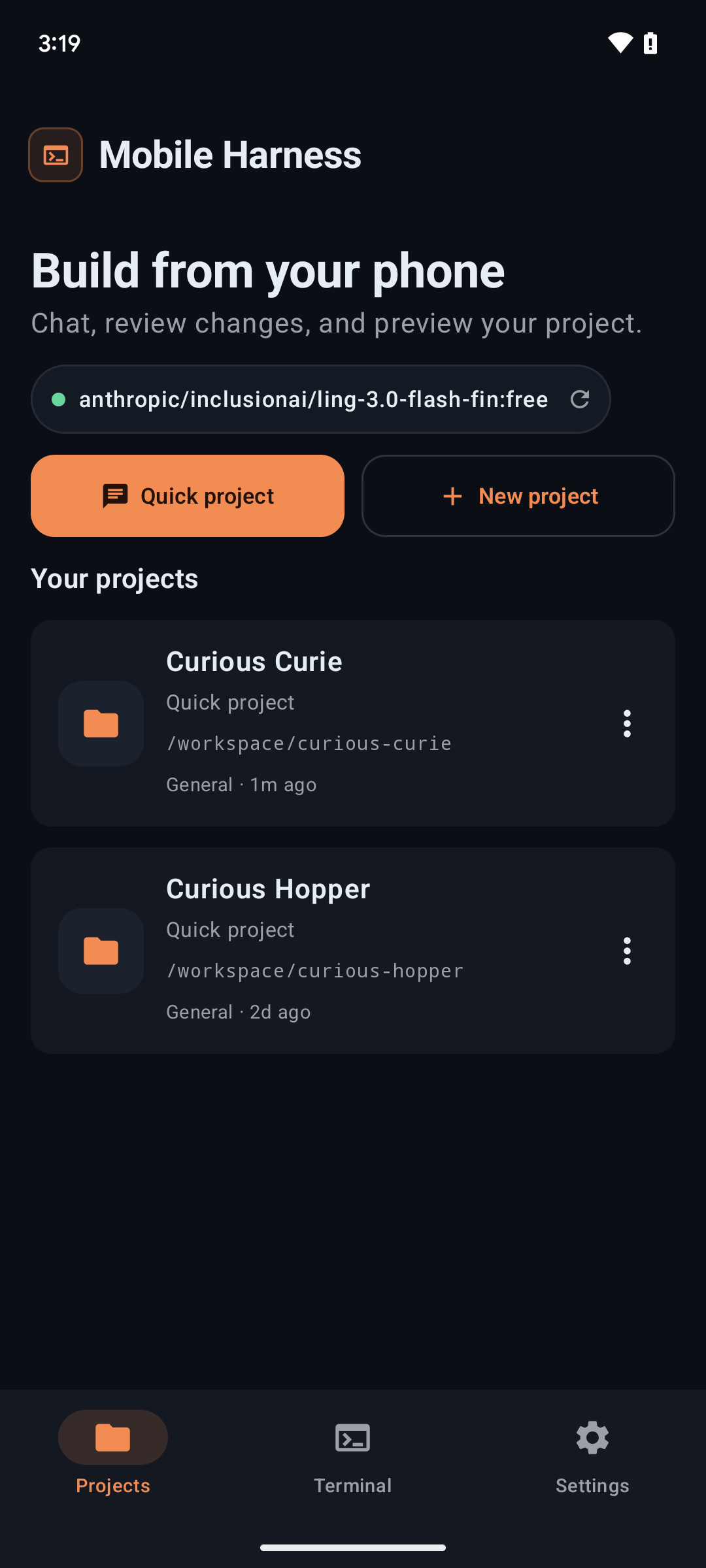
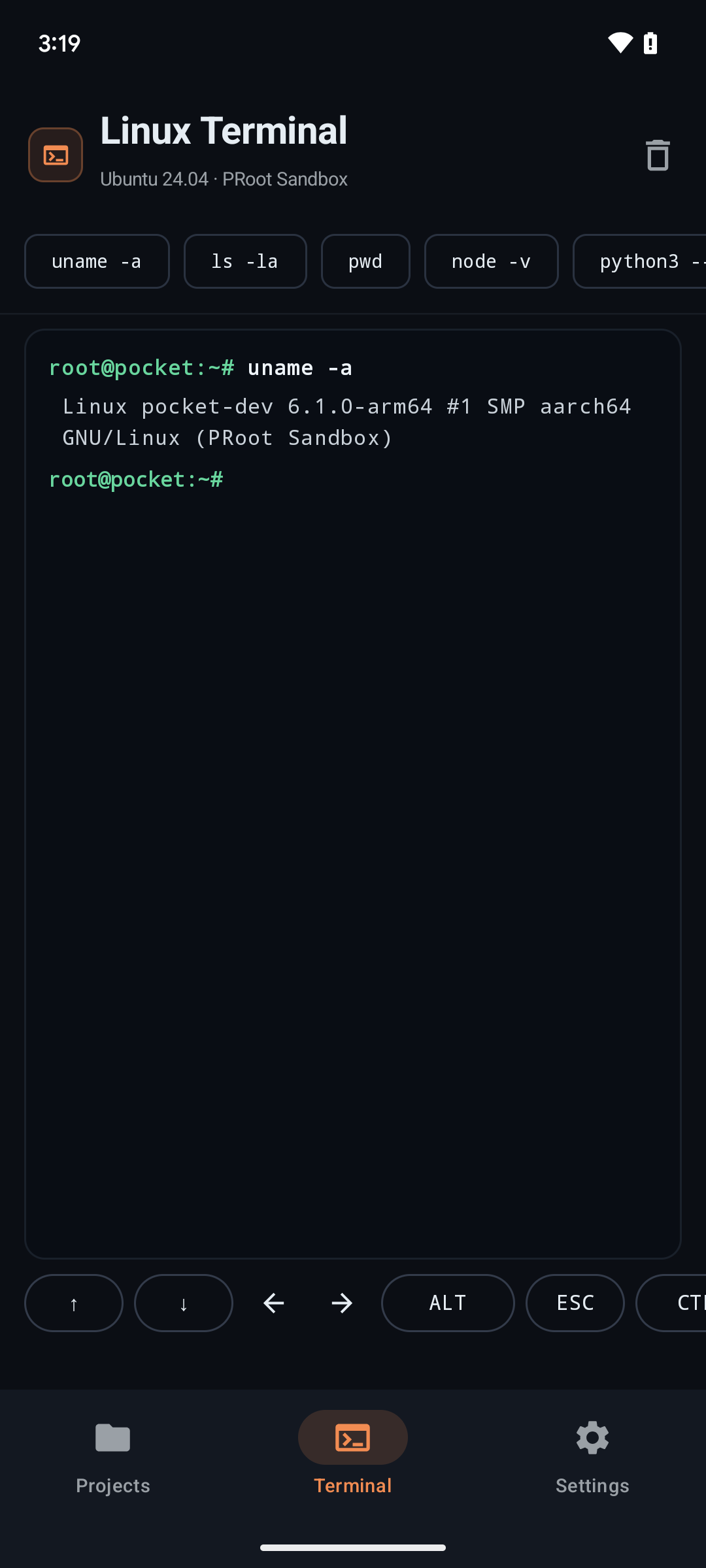
Chat with Claude Code, Antigravity CLI and DeepSeek Harness. Edit projects, run real Linux commands, and preview web servers — entirely on your phone. No root. No ADB pairing. No compromises.
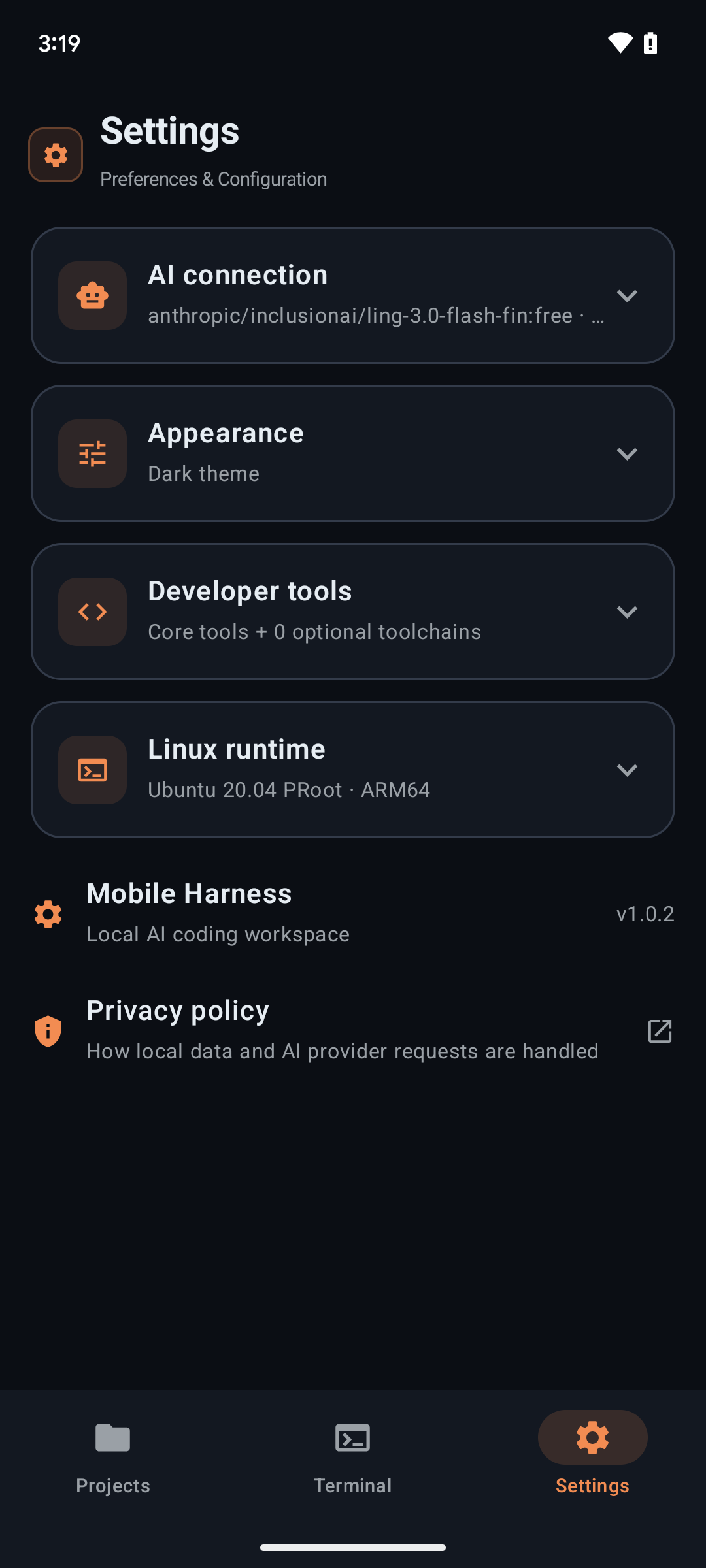
Each agent runs through its own isolated driver with dedicated settings and resumable project conversations. Switch providers without leaving your project.
Primary · included in Core
The reference backend.
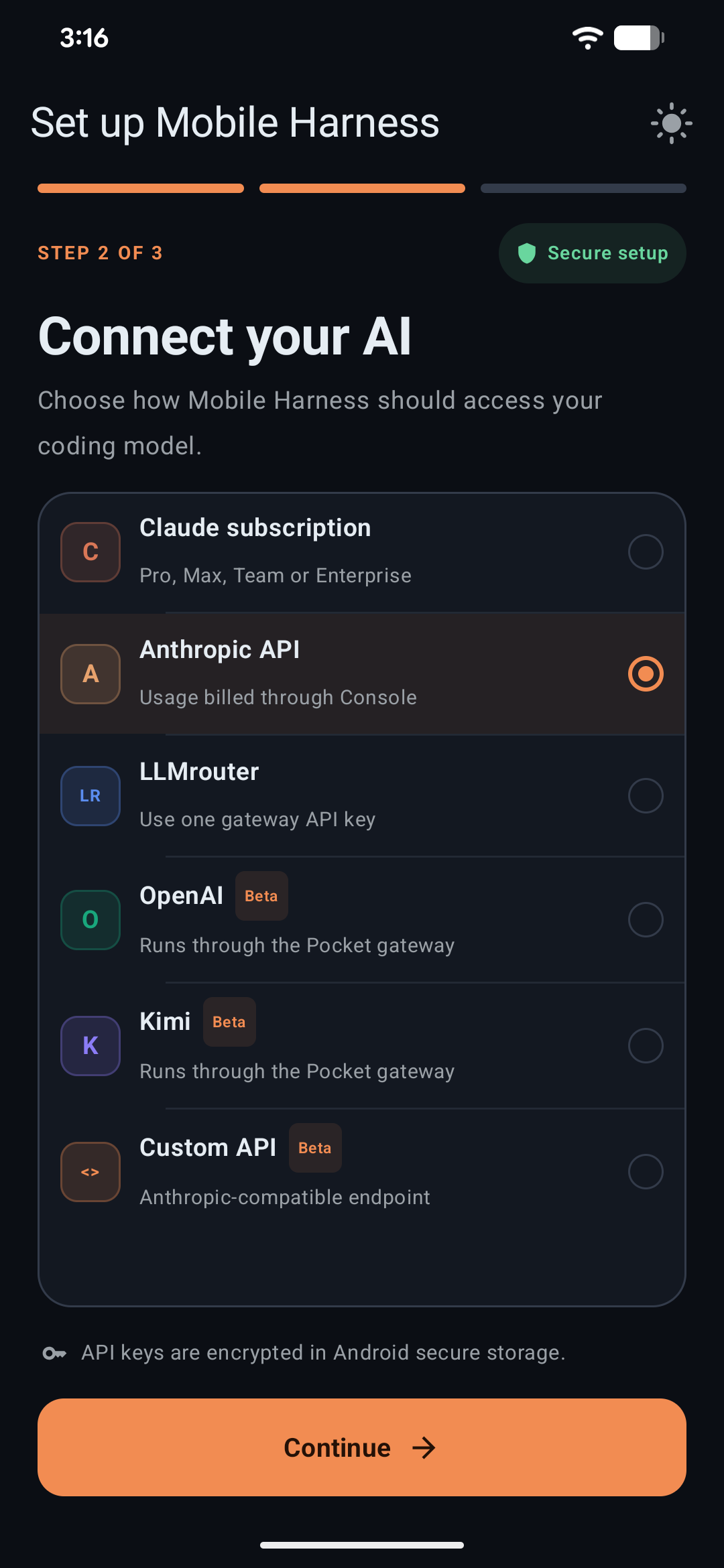
Claude Code ships with the Core runtime and speaks the Anthropic-compatible API protocol — direct keys, or routed through gateways you already use.
AuthClaude account or API-key providers
ProvidersAnthropic · OpenRouter · DeepSeek · Kimi · Custom endpoint
StreamingSupported, with tool calling
workspace — claude
$ claude "add sign-in to the settings screen,
then run the build"▸ inspecting 14 files…▸ drafting SettingsAuth.kt…✓ build succeeded in 41s — preview ready
Google-native · version-pinned install
Antigravity, on device.
The official agy CLI with its own bridge, model and effort controls, and conversation IDs. Sign in with Google in the system browser — the app never touches your tokens.
AuthOfficial Google OAuth flow
InstallVersion-pinned online download
NoteRuns with --dangerously-skip-permissions — use with trusted projects only
workspace — agy
$ agy login
→ opening accounts.google.com in browser…✓ signed in — paste the one-time code to continue
$ agy run "scaffold the checkout flow"
Efficient · on-demand install
DeepSeek, kept separate.
DeepSeek Harness installs only when you ask for it, with its own bridge and settings — ideal for fast iteration and long resumable sessions.
AuthAPI-key providers
InstallOn demand, isolated driver
SessionsResumable per-project conversations
workspace — dsh
$ dsh resume pocket-shop
→ restoring 23 turns of context…
$ dsh "continue: wire up the cart reducer"✓ 3 files updated — tests passing
02A real system underneath
Not a chat window. A computer.
A full Ubuntu 20.04 ARM64 userspace runs inside PRoot — Node.js, Git, OpenSSL and coreutils out of the box, bridged to native Android through an optimized C++ JNI layer.
Spin up Vite, Next.js or Express and test the interface in a sandboxed on-device WebView with console telemetry.
On-device Android builds
Build, install and launch APKs straight from the workspace play button. No USB, no wireless ADB, no pairing codes.
Native file workflow
Browse, edit, search and attach files directly. System storage interoperates through the official Storage Access Framework.
Toolchains on demand
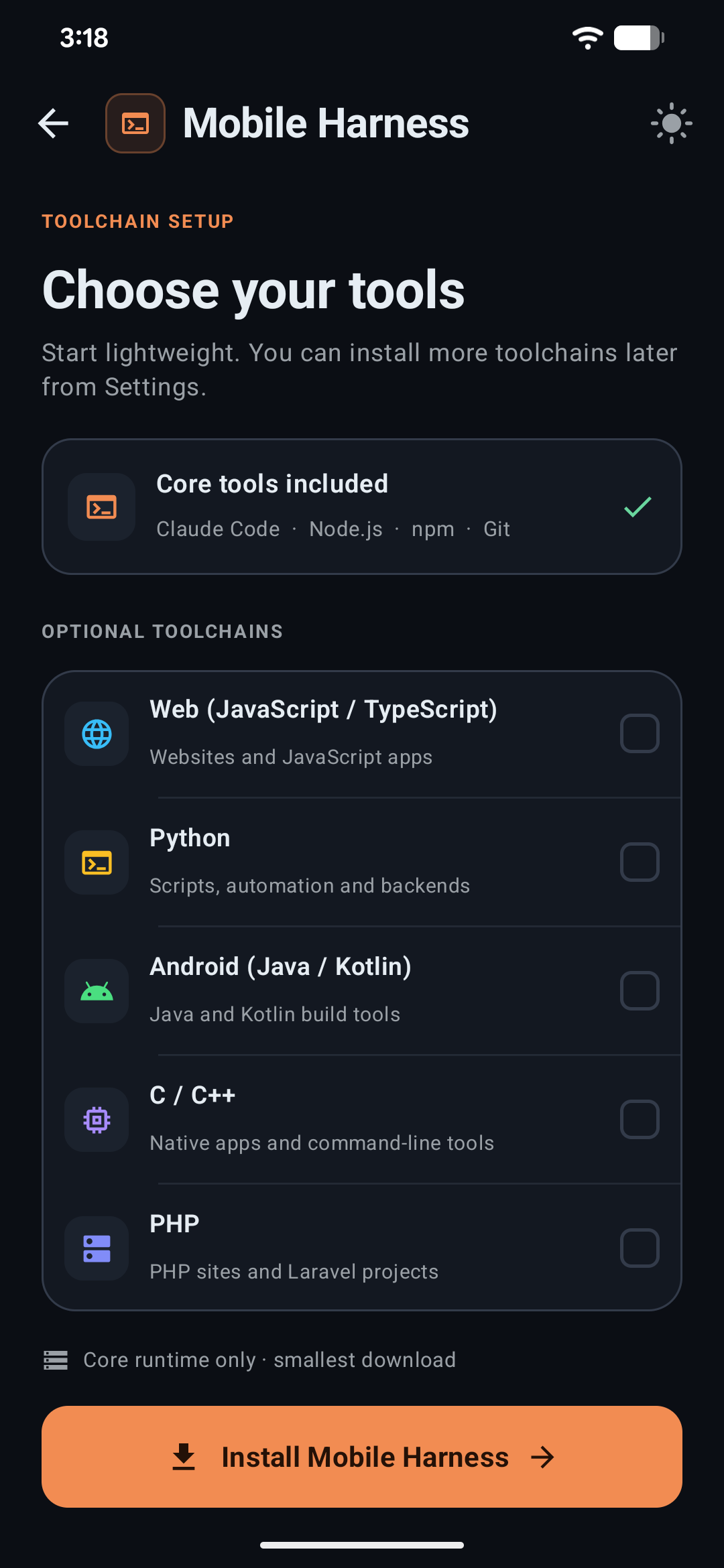
Python 3.10+, OpenJDK 17, GCC/Clang/CMake and PHP install only when a project needs them — conserving space.
Persistent sessions
Projects keep their files, chat history and task context together, so work resumes exactly where it stopped.
03Security, stated plainly
Your keys never leave the hardware.
API credentials are encrypted with Android Keystore-backed AES-256-GCM. There are no relays, no proxies, no telemetry servers between your device and your provider.
AES-256-GCM
Hardware-backed vault
Secrets live in the Android Keystore. Antigravity OAuth tokens stay inside the official CLI's own home — the app never reads or copies them.
Zero intermediaries
Direct to your provider
Prompts and code travel straight from your phone to the endpoint you configured. Nothing in between.
SHA-256
Verified runtimes
Root filesystem archives and CLI packages are checksum-verified before extraction.
SAF
Scoped storage
Imports and exports use Android's Storage Access Framework — no broad shared-storage access.
A candid note: PRoot is a userspace layer, not a hardened jail. It inherits Android's app sandbox, but only run projects and dependencies you trust.
04Download
Choose your edition.
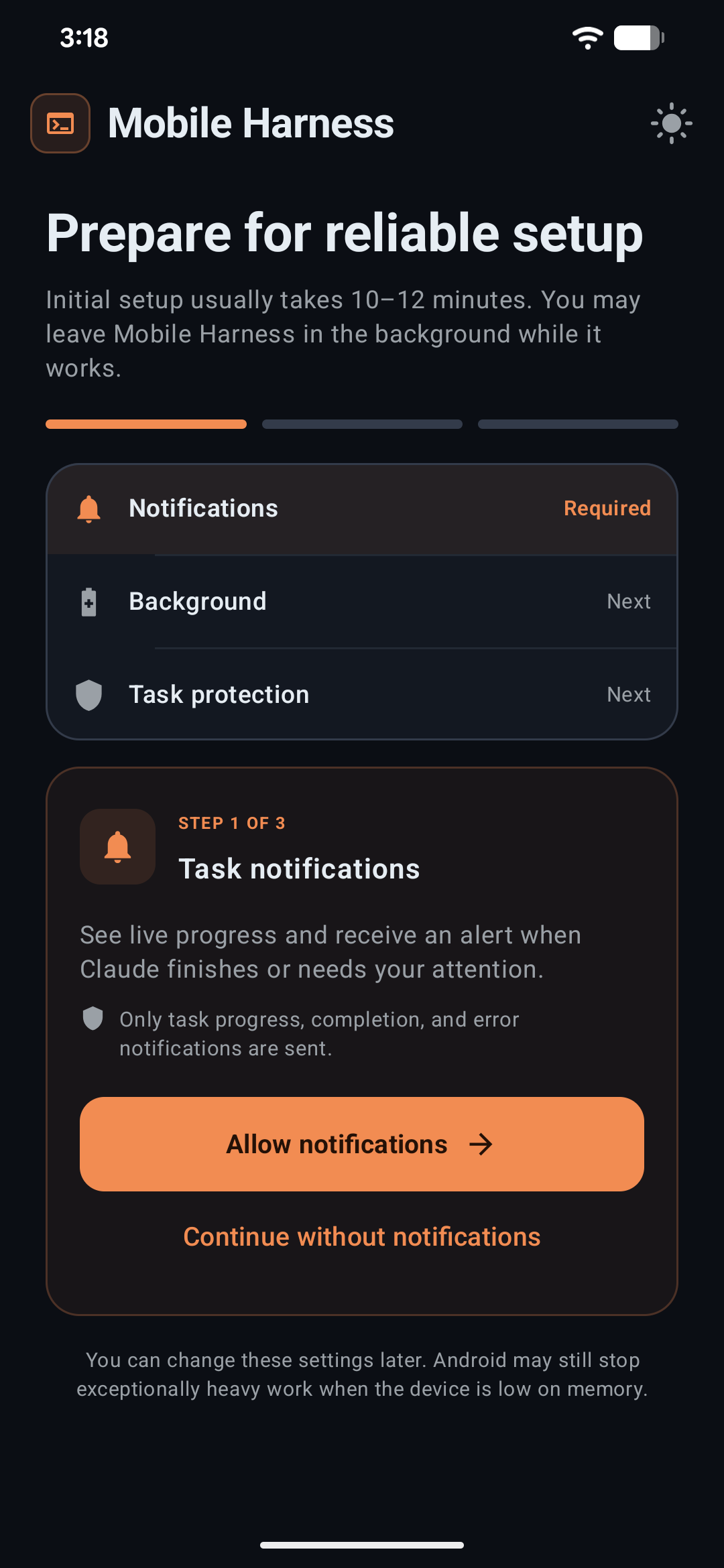
Both editions are the complete app with secure in-app updates from v1.0.3. Released September 2026.
Recommended
Online Edition
44.6 MBsmall APK, runtimes on demand
Start light. The Core, Python and Android bundles download only when you need them.